DigitalGiftCraft Start free

Love Letter

Write a Love Letter Online and Send It as a Private Web Page

Write it once, add the photos and the song that belong to the two of you, and send a link. They open it on their phone like a real letter.

Create your gift See an example

Free to make and send. Extra features from $3.99 CAD. No app needed to open it.

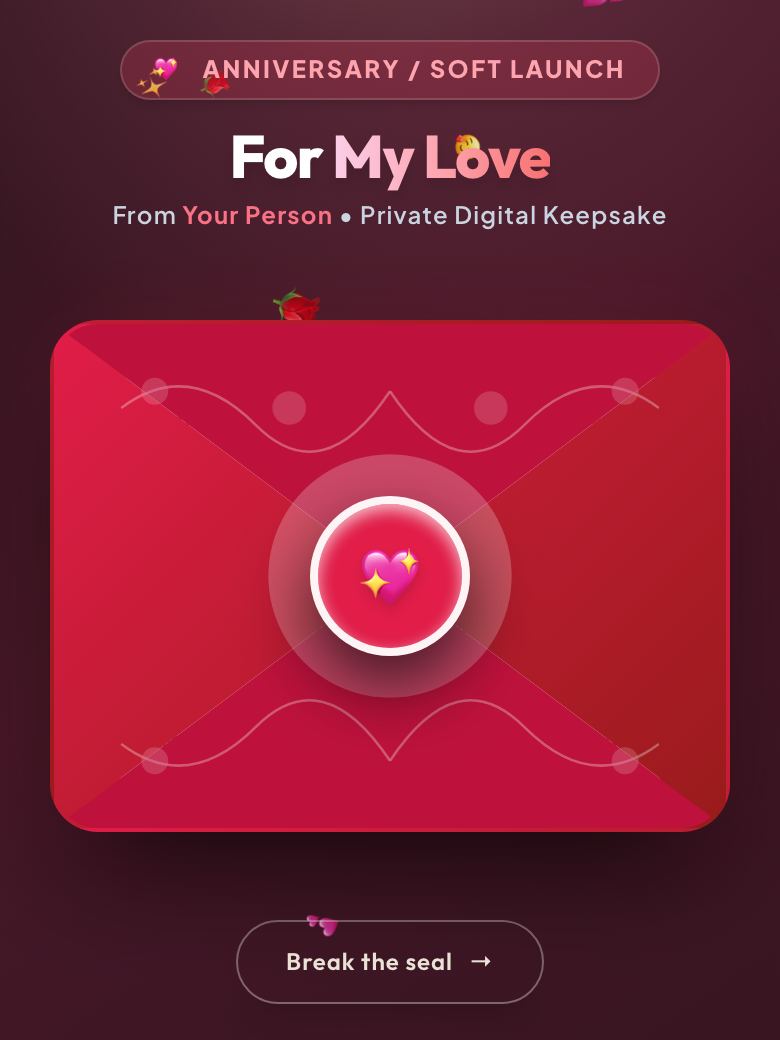
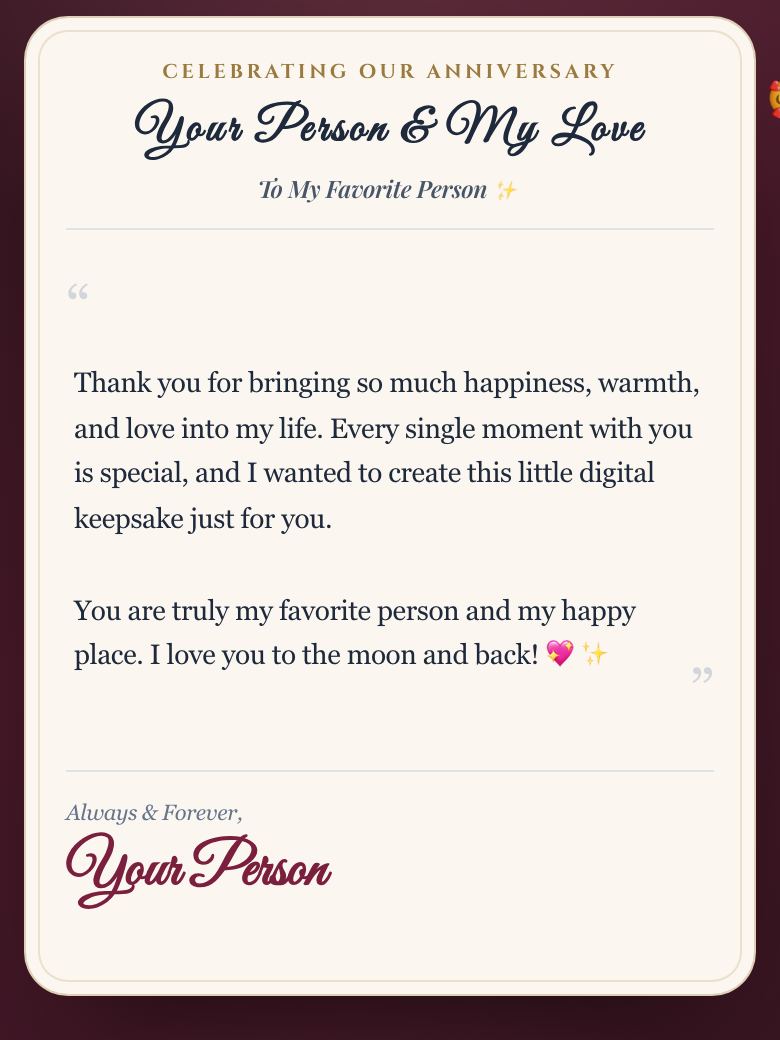
A closed envelope sealed with wax, shown the way the recipient first sees it on their phone The opened letter inside the digital gift

How it works

  1. 1. Make it

    Write your letter, add photos, music and little surprises like scratch-off vouchers. Takes about two minutes.

  2. 2. Send it

    Share a private link by text or WhatsApp, or print a folded card with a QR code to hand over in person.

  3. 3. They open it

    They break the wax seal on their phone and go through it chapter by chapter, then can send you a reply.

A love letter that lives on a web page

A paper letter can be lost and a text can scroll away. A love letter website is a page that stays put at a private link. They can open it on a quiet evening, read it twice and open it again years later.

What you can put in it

  • Your letter, opened from a wax-sealed envelope that carries their name.
  • Little things you adore, one bloom for each small thing you love about them.
  • The beginning, how it started, told over a few pages of a little book.
  • Day one, the date it began, with a running count of how long it has been.
  • Photos on the table and a song that plays as they read.

How to write a love letter online

Start with one true thing, not a big speech. Write about a small moment you keep returning to, say what it showed you about them, and finish with what you want for the two of you. Keep each paragraph short, because it will be read on a phone. Then add a photo or two and a song that means something to both of you.

Making it takes a few minutes

  1. Open the builder and type their name and yours.
  2. Pick a look and write your letter.
  3. Add photos, a song and any of the little pages you like.
  4. Preview it, then send the private link or print the QR code on a card.

Private, and nothing for them to install

The letter is locked before it leaves your phone and only the link you send can open it. They don't need an app or an account.

Questions

How do I write a love letter online?

Open the builder, add their name, then write your letter in the box. Keep it short and personal, add a photo or two and choose a song. You can preview it before you send it.

What is a love letter website?

A private web page that holds your love letter, photos and a song. The person you made it for opens it from a link on their phone.

Do they need an app or an account?

No. It opens in any phone browser, music included.

Can I send it as a QR code?

Yes. Download a card with a QR code on it, hand it over in person and they scan it to open the letter.

Is it private?

Yes. Your letter is locked before it leaves your phone, and only the link you share can open it.

Related ideas

Digital love letterLong-distance couple giftFor a long-distance boyfriendFor a long-distance girlfriendJust-because surpriseApology card

Make something they'll actually keep

Ready in two minutes. Opens on any phone.

Create your gift